OpenRouter alternatives: Ofox costs and migration
Evaluate Ofox as an OpenRouter alternative: compare billing terms, map model IDs and routing settings, and test an OpenAI SDK migration before moving traffic.
 Ofox
Ofox 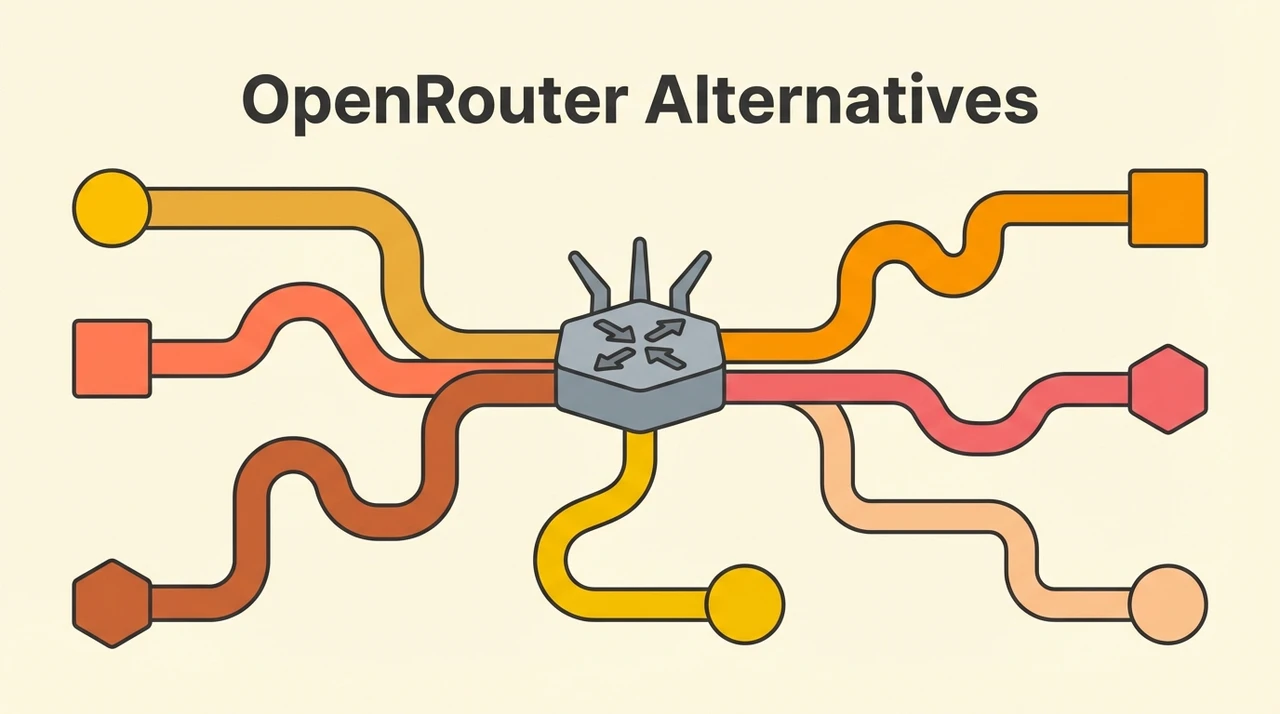
Ofox is an OpenRouter alternative to evaluate when its model catalog, billing terms and integration options fit your application. Before buying credit, verify the exact model and protocol you need. A migration involves more than replacing an API URL if your application uses routing controls, provider-specific fields or different response formats.
This comparison is published by Ofox and was checked September 9, 2026. It contains no cross-provider latency benchmark and makes no promise of free credits. Already deciding which provider to use in OpenCode? See the OpenCode API comparison.
Compare costs before buying credit
| Decision | OpenRouter | Ofox |
|---|---|---|
| Model price | Check the selected model and endpoint | Check the selected model in the catalog and your account’s applicable quote |
| Funding terms | The public pay-as-you-go pricing page lists a 5.5% platform fee; check checkout for applicable minimums and payment terms | The pricing documentation describes pay-as-you-go funding; confirm the amount credited and total payable in the console |
| Advanced request controls | Provider routing and fallback controls are documented OpenRouter features | Rebuild any such controls using Ofox’s documented behavior; do not assume identical fields |
| Evidence needed for a decision | Your actual billed workload and completion results | The same workload, with the intended model, protocol and billing conditions |
Sources: OpenRouter pricing, OpenRouter provider routing, and Ofox pricing. A percentage purchase fee and a model’s token rate measure different parts of the bill. Do not compare one platform’s funding fee with another platform’s inference rate as if they were equivalent.
For a small evaluation, record the amount paid, usable credit received, model charges and accepted results. Use those records to estimate your workload cost. A lower advertised rate alone does not establish lower cost per completed task.
Check these four things before migrating
| Check | What must match |
|---|---|
| API operation | Chat Completions, Responses, Images or a native protocol, as required by the application |
| Model identifier | The exact identifier published by the destination provider, including any vendor prefix |
| Request behavior | Tool calls, streaming, structured output, reasoning settings and provider-specific fields used by your app |
| Response handling | Text/image representation, tool results, errors, usage fields and any metadata your app reads |
OpenRouter’s routing documentation defines controls such as provider ordering and fallback behavior. Remove OpenRouter-specific fields from a basic compatibility test, then implement each required control using destination documentation. Silently dropping a privacy or routing restriction is not an acceptable migration result.
For image generation, verify the actual operation and returned image representation. An OpenAI-compatible chat endpoint does not establish compatibility with an Images endpoint. The GPT Image 2.5 access guide separates direct OpenAI IDs from Ofox IDs and provides a documented generation example.
Create the destination credential
If the catalog and terms fit your requirements, create an Ofox account, open API Keys, and check billing before testing. The authentication guide explains key creation and protocol-specific authentication. Keep the existing OpenRouter key active for rollback; do not overwrite it with the Ofox credential.
The Ofox OpenAI SDK integration documents https://api.ofox.io/v1. OpenRouter’s quickstart uses https://openrouter.ai/api/v1. These are SDK base URLs; the SDK adds the operation path.
Test an OpenAI SDK connection
Install the Python SDK with python -m pip install --upgrade openai. Set OFOX_API_KEY and OFOX_MODEL_ID outside source control. Copy the latter from a current Ofox model entry that supports Chat Completions; it is intentionally not an assumed mapping from your old model string.
import os
from openai import OpenAI

client = OpenAI(
    base_url="https://api.ofox.io/v1",
    api_key=os.environ["OFOX_API_KEY"],
)
response = client.chat.completions.create(
    model=os.environ["OFOX_MODEL_ID"],
    messages=[{"role": "user", "content": "Reply with a short greeting."}],
)
print(response.choices[0].message.content)
print("Usage:", response.usage)
This is a minimal connection template, checked against SDK and provider documentation, not a paid migration test. A successful greeting verifies that request only. Test the streaming, tool calls and structured output your application actually uses before declaring the migration complete.
For OpenCode, follow the version-specific setup guide instead of assuming environment variables alone register a custom provider. Other tools may require a different protocol and configuration format.
Move traffic only after the relevant checks pass
Keep the previous configuration available, introduce the new connection to a small representative workload, and compare errors, charges and accepted results. Increase traffic only after those checks meet your own requirements. If you need an OpenRouter feature that you have not reproduced on Ofox, keep that workflow on OpenRouter until a suitable replacement has been validated.
A persistent 429, 401 or model-not-found response needs diagnosis. Buying credit on another platform does not by itself fix an invalid configuration or guarantee more upstream capacity. Use the API error guide to identify which layer failed before repeating requests.
Frequently Asked Questions
- Can I migrate from OpenRouter to Ofox by changing two settings?
- The client connection changes its base URL and API key, but you must also verify model IDs, endpoint support, request fields and response handling. OpenRouter-specific routing settings are not automatically portable.
- Is Ofox always cheaper or faster than OpenRouter?
- No universal comparison is established here. Compare current model rates, purchase terms and actual charges for the same workload. Latency needs measurement under comparable conditions.
- Do I need to move all my traffic at once?
- No. Keep the existing configuration, evaluate the new connection on a small representative workload, and retain a rollback path before moving production traffic.