When Does Codex Reset? Check Your Weekly Limit Reset Time
Find your actual Codex reset time, distinguish five-hour and weekly limits, and check available usage or earned resets without assuming a universal reset hour.
 Ofox
Ofox 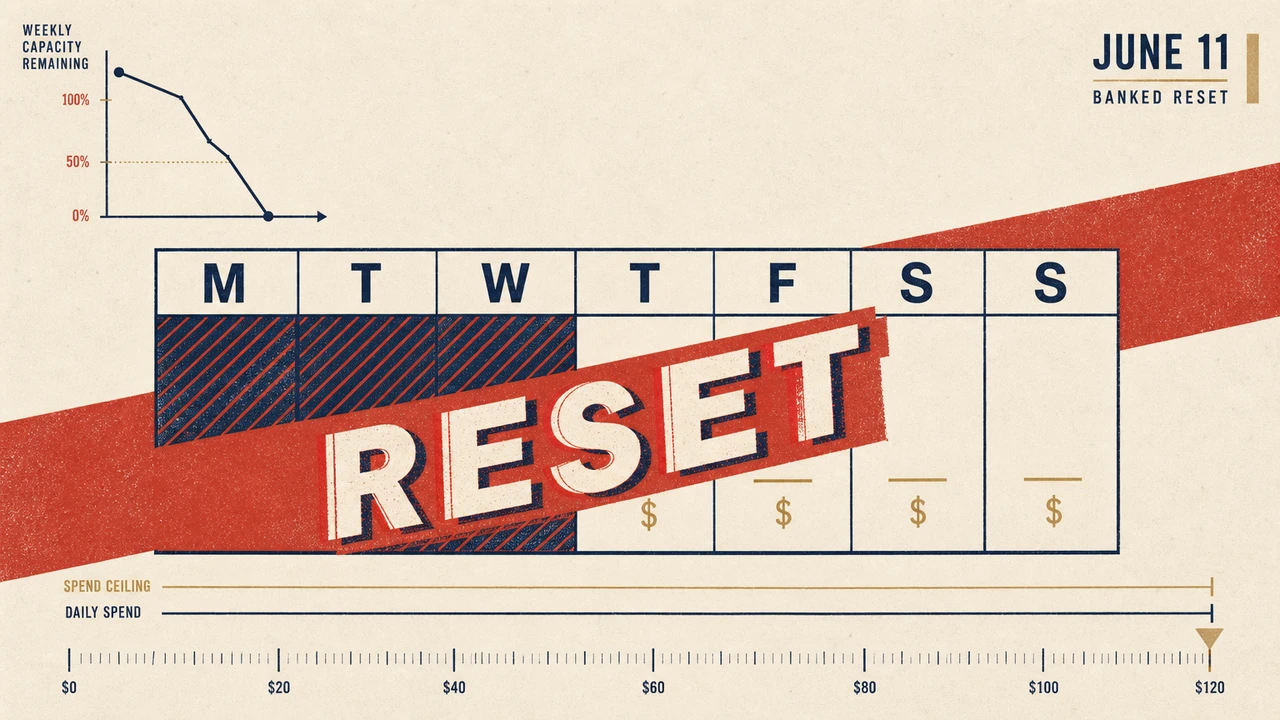
To find when Codex resets, open your signed-in Usage dashboard and read the reset time for the window that is limiting you. A five-hour window and a weekly window are separate checks. A five-hour reset does not establish that the weekly allowance has also refreshed, and “weekly” does not establish a universal Monday or midnight reset for every account.
Check the account and workspace, the remaining allowance, and the displayed reset date together. This guide covers finding your actual Codex reset time and deciding what to do next. For the distinction between GPT-6 Pro in Chat, Work/Codex usage and a particular reset event, use the GPT-6 Pro usage and reset guide. Official documentation was checked on September 16, 2026; no account reset was redeemed for this article.
Which limit needs to reset?
| What you see | What to check | Next step |
|---|---|---|
| Five-hour allowance exhausted | That window’s remaining usage and reset time | Wait for its displayed reset or review an offered eligible reset |
| Weekly allowance exhausted | The weekly window separately from the short window | Use its own reset date; a short-window refresh may not be enough |
| Both windows show capacity, but a request is blocked | Account, workspace, model, exact error and a fresh usage reading | Investigate the mismatch; do not diagnose a specific bug from percentages alone |
| Context is nearly full | Conversation context rather than account allowance | Use supported context management or start a new task with verified state |
| API request returns 429 or a quota error | The API project/provider and error body | Follow API rate, usage or billing guidance instead of waiting for a subscription reset |
The official pricing guide describes local-message estimates per five-hour period, shared plan usage for local and cloud work, and possible weekly limits. These estimates are not a fixed number of equally sized requests. A long task with repeated context and tool work can consume more than a short question; count completed work and observed usage rather than assuming each visible message has the same cost.
How to check your actual Codex reset time
- Open the Usage dashboard while signed in to the account used by Codex. Confirm the workspace if you use more than one.
- Read every relevant limit window. Record the remaining amount and the reset date or countdown beside that window, not just the first percentage on the page.
- In an active Codex CLI session, type
/statusinto the Codex composer and press Enter. This is an interactive slash command, not a shell invocation such ascodex /status. - If the CLI display and dashboard disagree, refresh and compare the same account, workspace and time. Keep the exact error if a request still fails. A stale display is one possible explanation, not an established diagnosis.
- After the displayed reset time, fetch usage again before resuming a long run. Check whether another window or account restriction still applies.
The CLI command reference also documents /usage for token activity and available earned-reset actions. A weekly token-activity chart and the remaining weekly allowance are different measurements; do not substitute one for the other.
Reset times and time zones
Use the date and time zone shown by your interface. If a screenshot or report omits the zone, ask for it or inspect an available raw reset timestamp before comparing it with your own clock. Changing the computer’s time zone changes how a time is displayed; it does not move the server’s allowance window.
For integrations, the Codex app-server reference exposes a read-only account/rateLimits/read method. Window data includes usedPercent, windowDurationMins and resetsAt; the last field is a Unix timestamp in seconds. Use each bucket and its supplied duration rather than assuming primary always means five hours or secondary always means a week. Missing values mean the information is unavailable, not that usage is zero or a reset is immediate.
The following Python example only formats a synthetic timestamp locally. Replace the example value with the value returned for your account; it does not contact Codex or reset anything.
from datetime import datetime, timezone
from zoneinfo import ZoneInfo

reset_at = 1789606800  # Synthetic example, not your account's reset time.
for label, zone in [("UTC", timezone.utc), ("Asia/Tokyo", ZoneInfo("Asia/Tokyo"))]:
    print(label, datetime.fromtimestamp(reset_at, zone).isoformat())
If the service does not return a reset time, do not invent one by adding five hours or seven days to the current clock. Refresh the account’s usage view and retain the error details if access remains blocked. A universal reset-time calculator cannot reconstruct information that the service has not supplied.
Can you reset Codex usage early?
An earned reset is separate from a scheduled window refresh. If your account offers one, inspect its availability and terms, then deliberately choose the reset action. The current CLI documents this under /usage. Do not rely on an old /reset example or assume that every account has a saved credit.
The app-server protocol distinguishes these outcomes:
| Outcome | What it means for the next step |
|---|---|
reset | A credit was consumed; read the updated limits |
alreadyRedeemed | The same redemption already completed; refresh instead of spending another credit |
nothingToReset | No eligible window is currently available to reset |
noCredit | No earned reset credit is available |
These are account-dependent results. A missing button does not prove that you already used a particular promotion. For clients implementing redemption, use one idempotency key for a logical attempt and reuse it if that attempt’s outcome is uncertain. A subsequent limits read is required to learn the new window values; the redemption result alone is not a new reset schedule.
Checking usage does not consume a reset. Redeeming one does. Check the expiry shown for the credit or the applicable event terms rather than assuming every grant has the same lifetime. A banked reset is not API balance or a permanent increase in your plan’s allowance.
Why usage can remain blocked after a reset
First identify what actually changed. Did the five-hour allowance refresh while the weekly limit remained exhausted? Did you read the usage of a different workspace? Did a reset action return nothingToReset instead of succeeding? Save the before-and-after values rather than inferring success from a click.
Then distinguish the error itself. context_length_exceeded is a context problem; a missing model belongs in the model-not-found diagnostic. A connection failure can also occur while allowance remains available. An old issue describing a similar message does not establish that today’s failure has the same cause or that deleting local sessions will help.
Restarting a client may refresh its display, but it does not itself grant account usage. Preserve your working files and conversation history while investigating. If fresh account data still conflicts with the error, report the time, model, client version, workspace, displayed windows and request ID through the appropriate support channel without including secrets.
Continue work without confusing billing paths
Waiting for the relevant window is one option. If your account offers an eligible reset or another paid usage option, review that option in the account interface. Choosing a smaller task or a suitable lower-cost model may reduce future consumption, but it does not clear usage already recorded.
A separate API-key connection is another billing path, described in Codex authentication. It does not refill a ChatGPT subscription allowance and is not unlimited: API access, rate limits and usage or spend controls still apply. Before changing providers, check supported models, endpoint configuration and pricing. Do not assume that changing one environment variable silently switches an already-running session’s authentication.
For sustained work, record the observed usage of comparable tasks and keep unnecessary context out of repeated requests. Plan with your current account’s limits, rather than old message-count tables or an assumed number of refactors per week.
Frequently asked questions
Does Codex reset every Monday at midnight?
Do not assume a shared weekday or midnight for every account. Read the reset date of the relevant window in your own Usage dashboard.
Does a five-hour reset clear my weekly limit too?
Not necessarily. Inspect both windows after refreshing usage. Capacity in one does not establish capacity in the other.
Can I reset usage by opening a new chat?
No. A new chat changes the conversation context; it does not grant account allowance. Preserve verified task state if you need a fresh conversation.
What if no reset time is shown?
Treat it as unavailable information. Refresh the signed-in usage view and keep the exact error for support if you remain blocked, rather than guessing a schedule.
Can I keep working with an API key?
If the client, model and account support that path, it uses separate API billing and limits. Confirm its configuration and costs first; it is not a free subscription reset.
Frequently Asked Questions
- When does my Codex weekly limit reset?
- Check the reset time for the weekly window in your signed-in Usage dashboard. Do not infer a universal weekday or time from the word weekly.
- Does the five-hour reset also clear my weekly limit?
- Do not assume so. Inspect each displayed window separately; one may still limit your usage after another resets.
- Can I reset Codex usage early?
- If your account has an eligible earned reset, use the offered reset action. Availability and eligibility come from your account; refreshing limits does not redeem a reset.
- Does restarting Codex or starting a new chat reset usage?
- No. Those actions do not grant additional account allowance. Starting a new chat changes context, which is a different limit.
- Is API billing the same as my ChatGPT Codex allowance?
- No. An API-key connection uses its own billing and limits. It is not a free reset and is still subject to API rate, usage and access limits.